
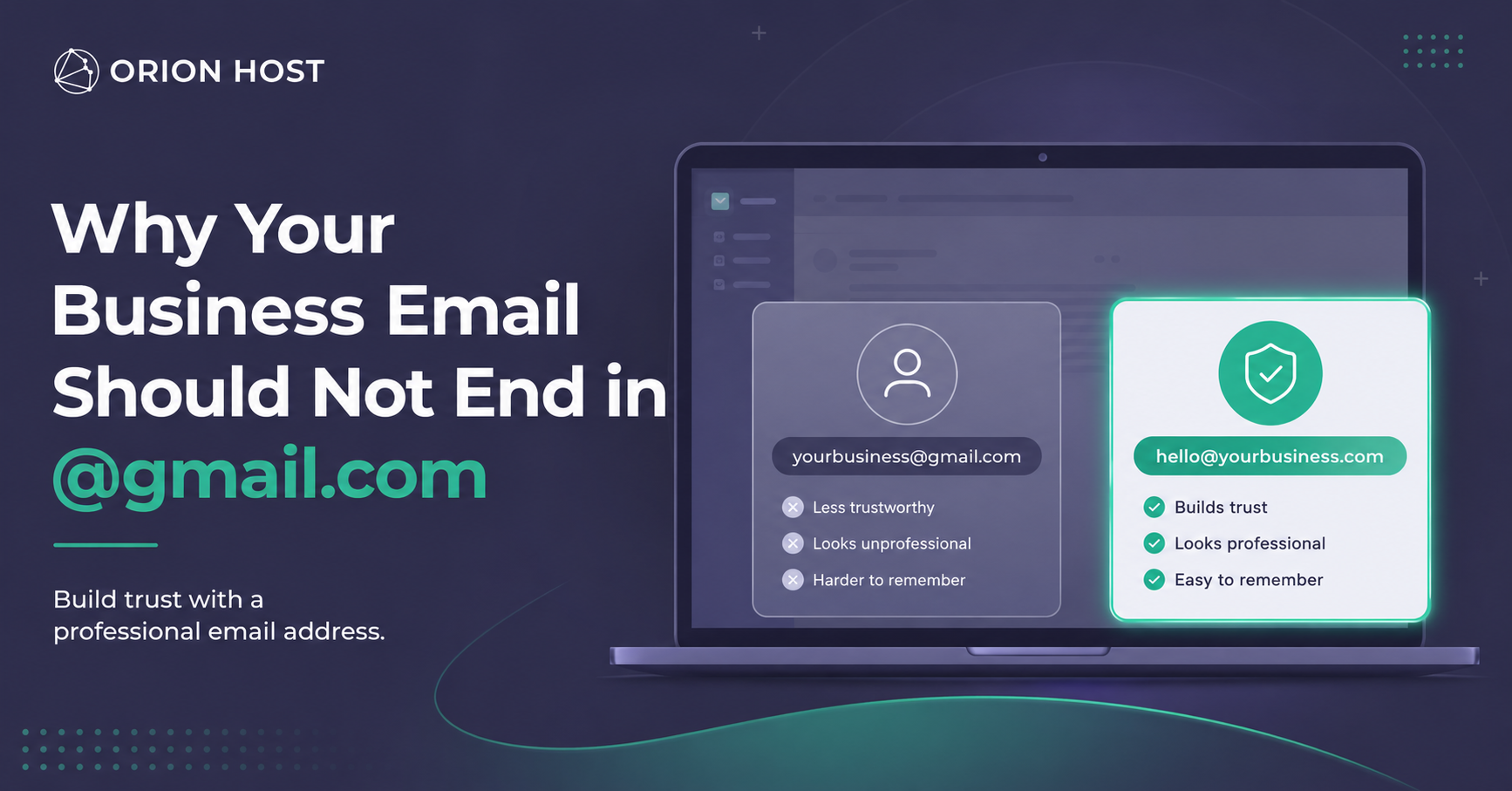
Why Your Business Email Should Not End in @gmail.com
When someone sees an email like yourbusiness@gmail.com, they may not immediately think your business is unprofessional. But they may hesitate.
A custom business email address, such as hello@yourbusiness.com, gives customers a clearer signal: your business is established, organized, and serious about its online presence.
For small businesses, that first impression can make a real difference.
A Business Email Address Builds Trust
Customers are more likely to trust an email address connected to your own domain.
Compare these two examples:
johnsplumbingservices@gmail.comjohn@johnsplumbingservices.com
The second option looks more official because it matches the company name and website. It creates consistency across your online presence and makes it easier for customers to recognize your brand.
For service businesses, consultants, online stores, and local companies, trust is often the first step before someone makes a call, sends an inquiry, or completes a purchase.
Your Email Becomes Part of Your Brand
Your website, logo, phone number, and email should all work together.
A professional email address makes your business feel more complete. It reinforces your name every time you send:
- Estimates and proposals
- Invoices and payment reminders
- Customer support messages
- Appointment confirmations
- Follow-up emails
- Marketing campaigns
Instead of promoting Gmail, every email promotes your own business name.
It Looks More Professional on Quotes and Invoices
Imagine receiving a quote for a roofing project, accounting service, website design, or product order.
Which sender feels more established?
quotes.company@gmail.com
or
quotes@companyname.com
A custom business email address makes quotes, invoices, and contracts look more credible. It can help customers feel more confident before sending a payment or sharing personal information.
This matters even more when your business sells higher-value services.
It Keeps Your Personal and Business Communication Separate
Using one Gmail account for everything can become messy quickly.
A business email address allows you to create separate inboxes for different parts of your company, such as:
hello@yourbusiness.comfor general inquiriessales@yourbusiness.comfor new customerssupport@yourbusiness.comfor help requestsbilling@yourbusiness.comfor invoices and payments
This makes your business easier to manage and gives customers a clearer way to contact the right department.
It Makes Your Business Easier to Scale
You may start as a one-person business, but your email structure should be ready for growth.
When you eventually add employees, assistants, or partners, you can create professional inboxes without changing your public contact information.
For example:
maria@yourbusiness.comteam@yourbusiness.comsupport@yourbusiness.com
That creates a more organized experience for your customers and makes your company look prepared for the future.
A Custom Email Can Help Protect Your Brand
Using your own domain for email gives you more control over your business identity.
You own the domain name. That means your business email address stays connected to your brand instead of depending entirely on a free email provider.
It also makes it harder for confusing or similar-looking email accounts to impersonate your company.
For example, customers are more likely to recognize:
billing@yourbusiness.com
than:
yourbusinessbillingteam@gmail.com
Clear branding helps reduce confusion and makes your communications easier to verify.
Your Website and Email Should Work Together
A website without a business email can feel incomplete.
Your domain is your online address. The website is where customers learn about you. Your email is how you communicate professionally.
Together, they create a stronger online foundation:
- Your website explains what you do
- Your domain makes your brand memorable
- Your business email builds trust in every conversation
For most small businesses, this is one of the simplest upgrades they can make.
Does a Professional Email Replace Gmail Completely?
Not necessarily.
You can still use Gmail or another email app to read and send your business emails. The difference is that customers see your professional address instead of a generic one.
For example, you may manage your inbox through Gmail while sending messages from:
hello@yourbusiness.com
This gives you the convenience of familiar tools while keeping your communication professional.
How to Create a Business Email Address
To create a business email address, you usually need:
- A domain name, such as
yourbusiness.com - A hosting or email service
- An email account connected to your domain
Once your domain is connected, you can create addresses like:
hello@yourbusiness.comsales@yourbusiness.comsupport@yourbusiness.combilling@yourbusiness.com
The process is usually simple, and it can immediately improve how customers see your business.
Final Thoughts
A Gmail address may be fine when you are starting out, but it should not be the long-term face of your business.
A professional business email address helps you look more credible, communicate more clearly, and build a stronger brand over time.
Your email address may seem like a small detail, but customers notice the details.
Ready to create a professional email for your business?
Get a domain, hosting, and branded email address with Orion Host.